iPink Calculator3.0.2
Publisher Description

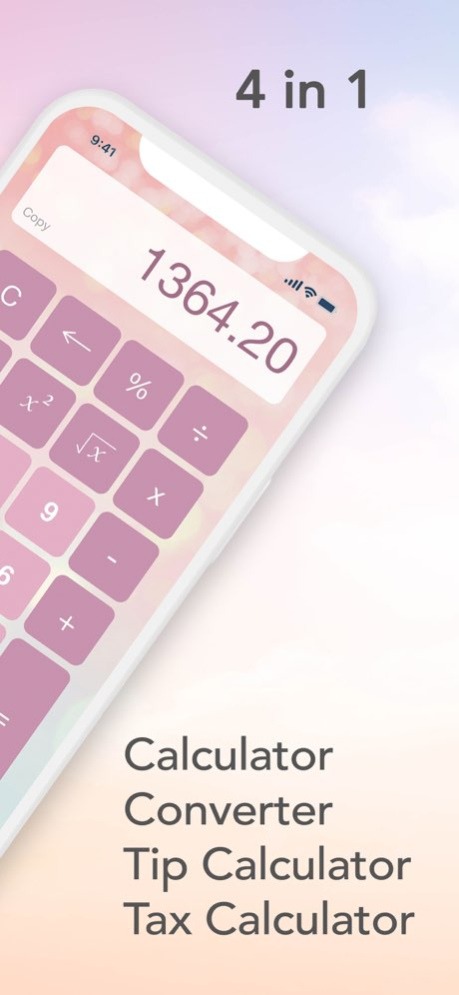
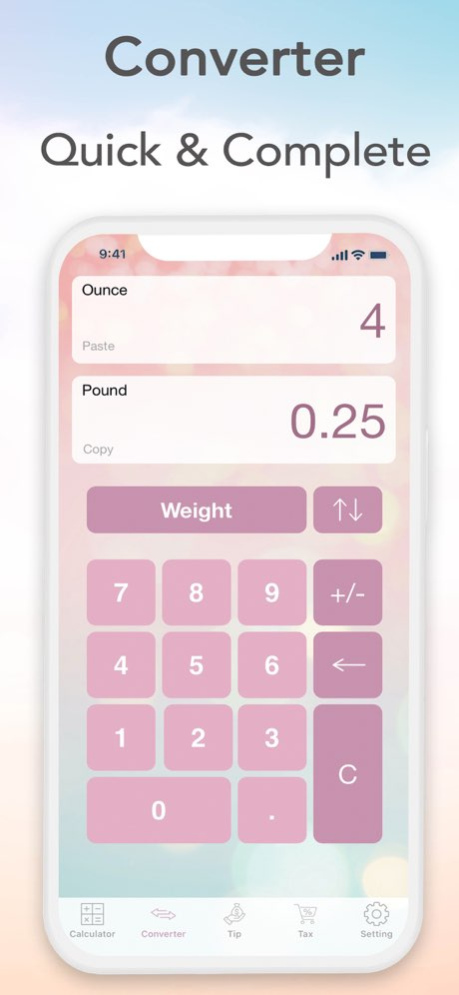
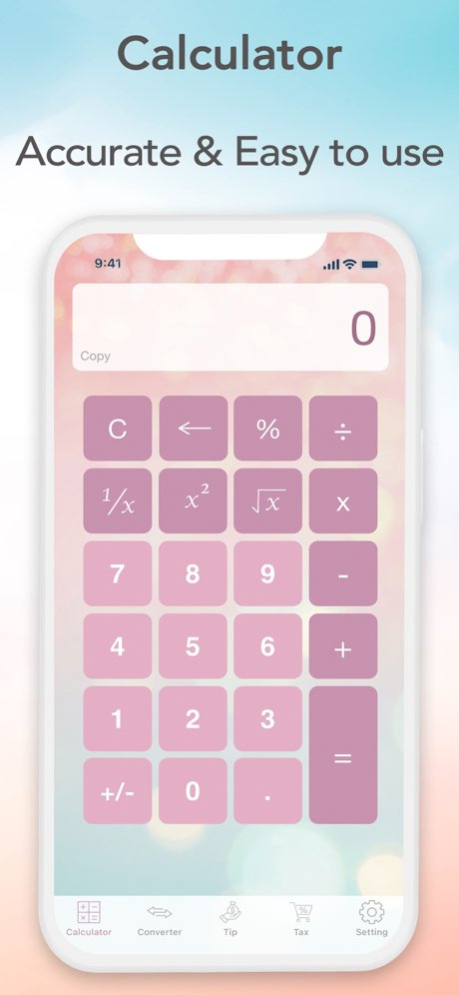
This cute and beautiful calculator designed for girls like you who love beauty! It's the best free girly calculator on the app store that includes every possible feature that you might need such as, a regular calculator, a converter, a tip calculator, and also a tax calculator.
If you have any comments please contact us via email.
Enjoy!
Version History - Additional European privacy consents 3.0.2 01/10/2024 - UI fix for smaller screens 3.0.1 11/25/2021 - New user interface
- Customization feature
- New setting options
and much more! 3.0 11/18/2021 - Compatible with all screen sizes
- Saving default settings 2.2 08/02/2018 - bug fix 2.1 10/27/2014 - Retina Display
- New Interface Design 2.0 03/12/2013 Retina Resolution Icon 1.3 06/18/2012 Wider range of tax 1.2 01/23/2012 Rating feature. 1.1 01/10/2012 1.0 01/03/2012
About iPink Calculator
The company that develops iPink Calculator is Exeersoft Inc. The latest version released by its developer is 3.0.2.
To install iPink Calculator on your iOS device, just click the green Continue To App button above to start the installation process. The app is listed on our website since 2026-10-06 and was downloaded 2 times. We have already checked if the download link is safe, however for your own protection we recommend that you scan the downloaded app with your antivirus. Your antivirus may detect the iPink Calculator as malware if the download link is broken.
How to install iPink Calculator on your iOS device:
- Click on the Continue To App button on our website. This will redirect you to the App Store.
- Once the iPink Calculator is shown in the iTunes listing of your iOS device, you can start its download and installation. Tap on the GET button to the right of the app to start downloading it.
- If you are not logged-in the iOS appstore app, you'll be prompted for your your Apple ID and/or password.
- After iPink Calculator is downloaded, you'll see an INSTALL button to the right. Tap on it to start the actual installation of the iOS app.
- Once installation is finished you can tap on the OPEN button to start it. Its icon will also be added to your device home screen.
Program Details
System requirements
Download information
Pricing
Version History
version 3.0.2
posted on 2026-10-06
Version History - Additional European privacy consents 3.0.2 01/10/2024 - UI fix for smaller screens 3.0.1 11/25/2021 - New user interface
- Customization feature
- New setting options
and much more! 3.0 11/18/2021 - Compatible with all screen sizes
- Saving default settings 2.2 08/02/2018 - bug fix 2.1 10/27/2014 - Retina Display
- New Interface Design 2.0 03/12/2013 Retina Resolution Icon 1.3 06/18/2012 Wider range of tax 1.2 01/23/2012 Rating feature. 1.1 01/10/2012 1.0 01/03/2012
version 3.0.2
posted on 2026-09-05
Version History - Additional European privacy consents 3.0.2 01/10/2024 - UI fix for smaller screens 3.0.1 11/25/2021 - New user interface
- Customization feature
- New setting options
and much more! 3.0 11/18/2021 This app has been updated by Apple to prepare for watchOS 27 compatibility. No new features are included.
- Compatible with all screen sizes
- Saving default settings 2.2 08/02/2018 - bug fix 2.1 10/27/2014 - Retina Display
- New Interface Design 2.0 03/12/2013 Retina Resolution Icon 1.3 06/18/2012 Wider range of tax 1.2 01/23/2012 Rating feature. 1.1 01/10/2012 1.0 01/03/2012
version 3.0.2
posted on 2026-08-24
Version History - Additional European privacy consents 3.0.2 01/10/2024 - UI fix for smaller screens 3.0.1 11/25/2021 - New user interface
- Customization feature
- New setting options
and much more! 3.0 11/18/2021 This update from Apple will improve the functionality of this app. No new features are included.
- Compatible with all screen sizes
- Saving default settings 2.2 08/02/2018 - bug fix 2.1 10/27/2014 - Retina Display
- New Interface Design 2.0 03/12/2013 Retina Resolution Icon 1.3 06/18/2012 Wider range of tax 1.2 01/23/2012 Rating feature. 1.1 01/10/2012 1.0 01/03/2012
version 3.0.2
posted on 2024-01-10
Jan 10, 2024
Version 3.0.2
- Additional European privacy consents
version 3.0.2
posted on 2024-01-10
- Additional European privacy consents
version 3.0.1
posted on 2021-11-25
Nov 25, 2021
Version 3.0.1
- UI fix for smaller screens
